The Role of Virtual Reality in Emergency Response Training

Virtual Reality in Emergency Response Training

The requirement for emergency situations calls for instant decision-making skills together with fast actions and unified operational partnerships. First responders such as firefighters and paramedics always rush into dangerous situations so their response matters at times of life-threatening events. Conventional emergency response training methods mainly depend on exercises conducted both physically and within classrooms. Emergency response training faces three main drawbacks because of its high expense together with its safety hazards and operational difficulties. Enter Virtual Reality (VR).

Virtual Reality enables emergency response training through its replication of authentic environments that permit ready-to-use safe spaces where first responders can improve their skills without harm. Emergency personnel now depend heavily on this technology as a necessary training program for dealing with high-stress situations. Particularly what specific methods VR implements towards training while providing tangible field advantages remains to be explored. Let’s dive in.


The Need for Advanced Emergency Response Training

The work environment of emergency responders remains at all times uncertain while demanding extremely high levels of stress. The limitations of live simulations and tabletop exercises as emergency responder training tactics include:

The execution of live drills becomes expensive because they need extensive props together with locations and personnel.

Training procedures that take place in actual settings involve unavoidable safety risks since responders encounter dangerous conditions.

Before confronting genuine emergencies trainees have restricted practice opportunities.

According to a 2023 report by the National Fire Protection Association (NFPA), firefighters were more likely to be injured at fireground operations than during any other injuries, occurred on the fireground. The number of injuries among firefighters registered 18,875 at the fireground during 2023 while making up 30% of total firefighters injuries reported. The importance of developing safer training methods becomes evident which indicates Virtual Reality as a solution to these requirements.

How VR is changing emergency response training

VR in Emergency response training

1. Immersive and Realistic Scenarios

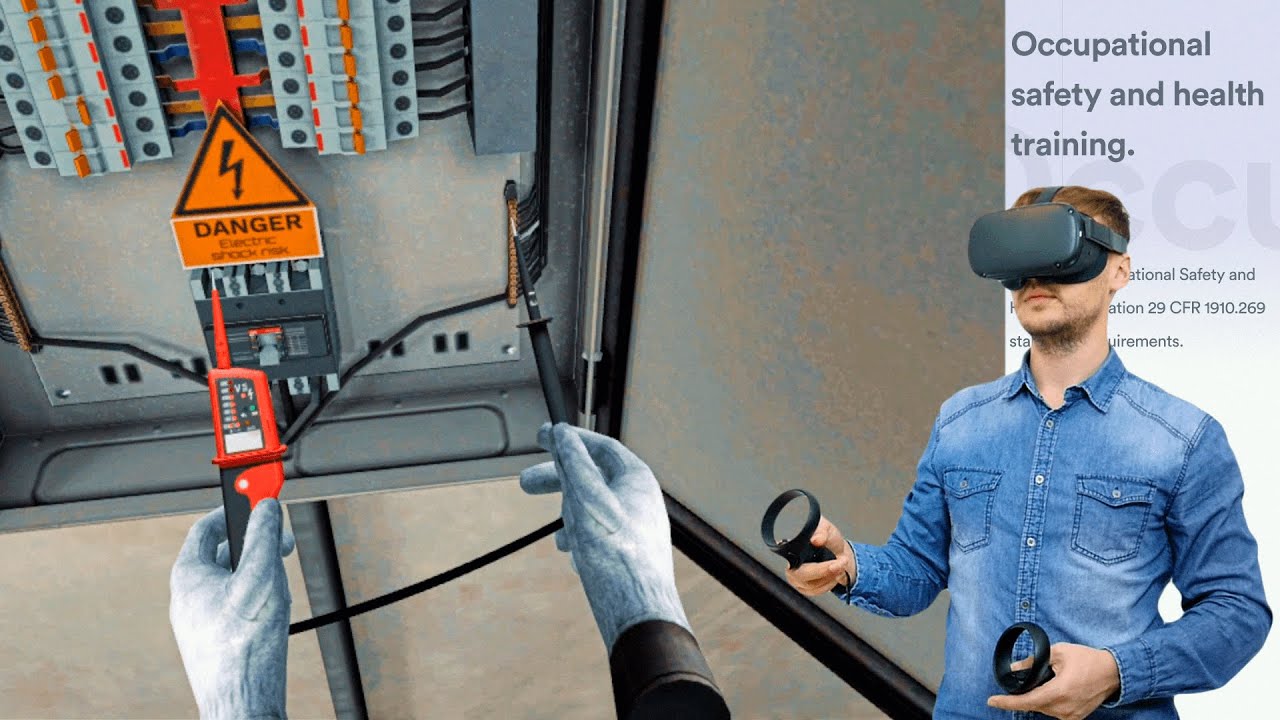
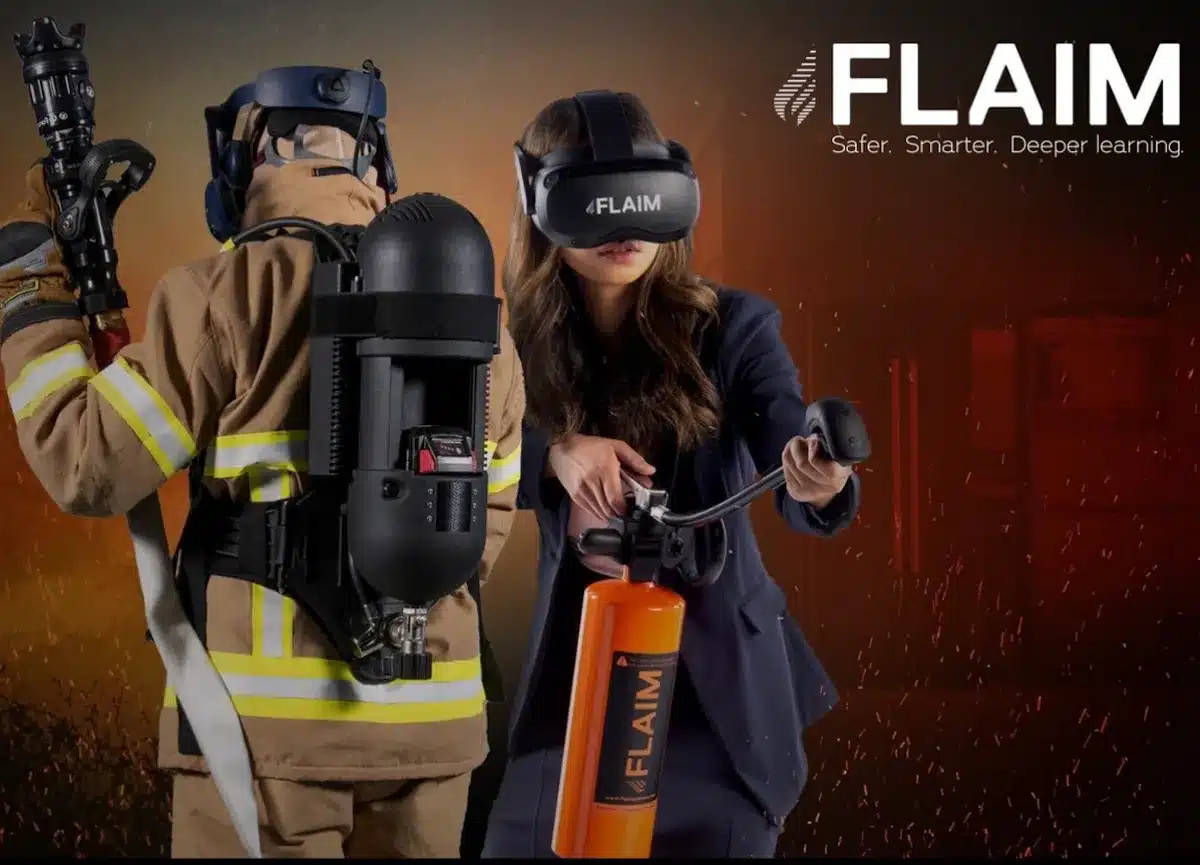
Emergency responders gain access to virtual crisis simulations in which they face realistic emergency situations without putting anyone in actual danger. The controlled simulated environment allows personnel to experience situations that include building fires and vehicle accidents and mass casualties without subjecting them to genuine dangerous conditions. Two companies named FLAIM Trainer and Axon VR produced firefighting and law enforcement training modules which precisely simulate actual emergency situations.

2. Safe Yet High-Stress Environments

High-pressure simulation emerges as a primary benefit of VR technology because it achieves dangerous situations through simulated environments. VR allows emergency responders to conduct their simulations and practice in non-life-threatening conditions that duplicate dangerous environments.

3. Cost-Effective Training

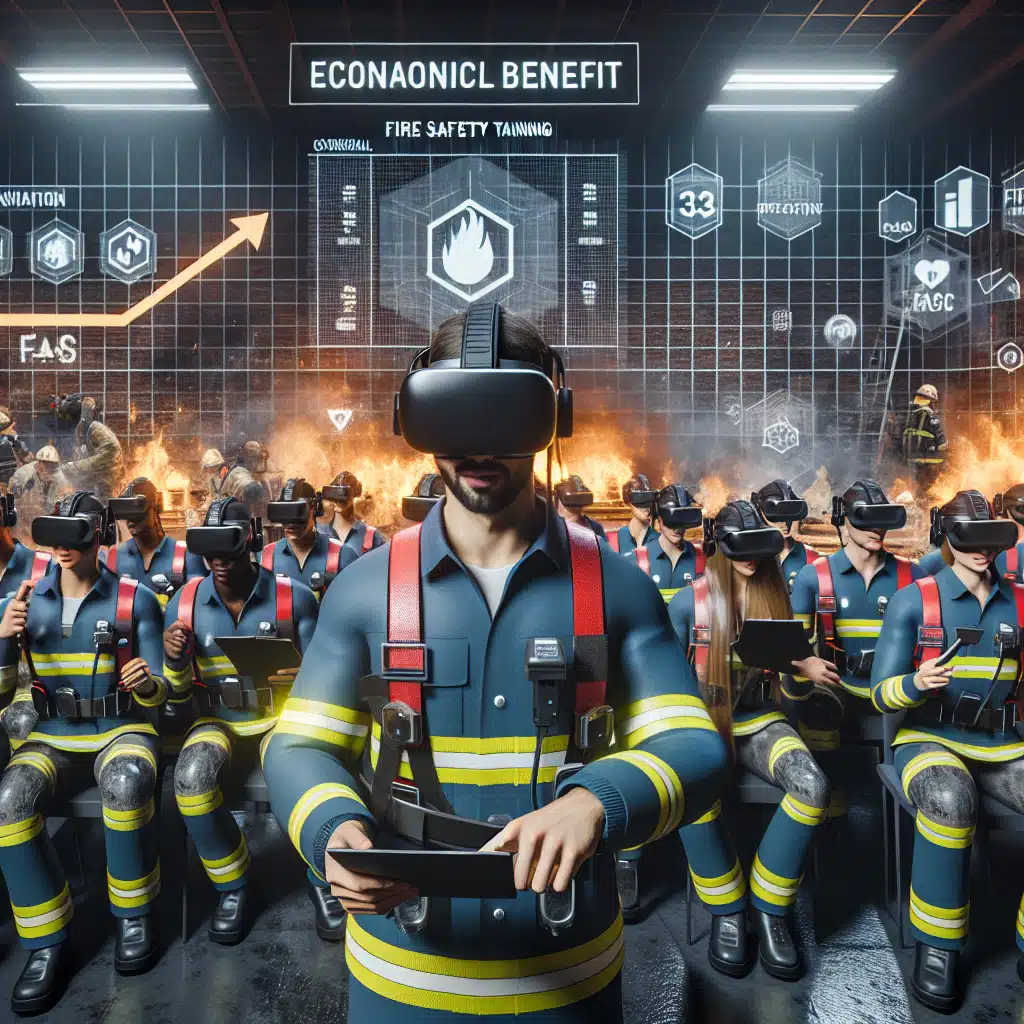
Financial investments for carrying out live-action drills prove significant. Throughout the process of implementing VR applications companies decrease their expenses regarding location search and role player recruitment along with prop installation costs. Emergency response organizations should consider VR training due to its capability to decrease costs by 52% compared to conventional methods which PwC documented in 2022.

4. Repetitive and Data-Driven Learning

Online reality makes it possible for users to practice their training scenarios limitless times because of its repetition capabilities. Specific skills become more mastered through training repetition while trainers obtain data about trainees’ performance needed to gauge areas for improvement. Real-time analytics powered by AI lets VR platforms offer instant performance feedback that helps responders develop better decision processes and response time capabilities.

5. Scalability and Accessibility

Emergency response training normally requires extensive training spaces together with multiple trainers but these conditions restrict the number of participants who can train simultaneously. Virtual reality provides scalable solutions because several trainees can perform their training at the same time anywhere across the globe. The method benefits rural departments with limited funding because it provides training access from anywhere worldwide.


Real-World Applications of VR in Emergency Training

1. Firefighter Training

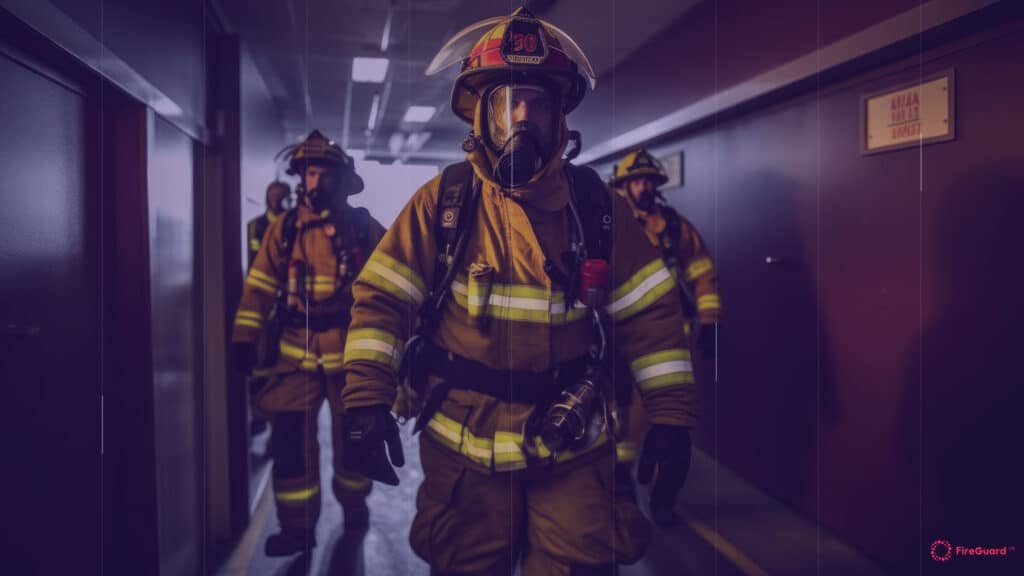
The extreme operational environment firefighters face gets better preparation through virtual reality solutions which eliminate the need for dangerous real-world firefighting experience. Through the FLAIM Trainer system fire departments worldwide train their personnel by utilizing VR technology which delivers physical feedback so students can experience simulated heat exposure and carrying heavy equipment like rescue equipment.


2. Medical Emergency Response

The medical field requires seconds to determine between survival and death. Simulated training based on VR technology allows paramedics together with emergency room doctors to practice critical procedures such as intubation for airway access as well as wound management and triage in vital mass casualty situations. The medical students who received VR training at Cedars-Sinai Medical Center completed their procedures with higher speed and decreased mistakes by 29% and 43% respectively when compared to students trained through traditional teaching methods.


3. Police and Tactical Response Training

Laws enforcement officials require them to prepare for sudden unexpected encounters with dangerous situations. VR simulation platforms provide members of law enforcement the space to practice their de-escalation training while learning both active shooter situations and rapid chases. Axon VR leads the market in providing police forces with virtual reality training solutions that enhance their choices during dangerous situations.


4. Disaster Response and Humanitarian Aid

Frequent catastrophic events such as earthquakes as well as pandemics push emergency responders to manage such extensive disasters. The Red Cross makes use of virtual reality platforms to prepare their personnel for search-and-rescue operations and crisis management of refugee situations and disease control protocols. The technology shows exceptional usefulness in directing worldwide aid responsibilities.


The challenges in implementing VR in training

The-challenges-of-implementing-VR-in-training

Numerous advantages that VR provides need additional attention for the following reasons.

The price of high-end VR hardware including equipment remains costly at present yet continues to drop because of technological developments.

Emergency professionals who lack technological knowledge need training to master the effective operation of VR systems.

VR systems function properly with high end computer technology yet some emergency response groups face hardware obstacles from using outdated equipment and limited budget funds.

The problem of motion sickness together with user discomfort persists during VR training but modern systems are designed to solve these issues.

The quick development of VR technology enables emergency training programs to obtain better systems and simpler interfaces.

The Future of VR in Emergency Response Training

VR holds excellent possibilities for advancing emergency response training in the future. These are the main developments that emergency response training will experience in upcoming years:

Adaptive training modules powered by AI will create performance-based scenarios to create customized learning programs for trainees.

Realistic VR training will be achieved through the implementation of gloves and suits with haptic feedback systems along with additional haptic devices.

Remote Collaboration enables training participants distant from each other to practice together using shared VR platforms thereby creating improved coordination between team members.

Trainees can experience combined VR lessons through augmented reality because this technology adds digital content to actual environments.

MarketandMarkets projects the global VR training market will achieve $20 billion in value by 2030 while emergency response training stands as one of its main growth factors according to their 2024 forecasts.


Conclusion

Emergency responder preparation for dangerous situations has found new possibilities through Virtual Reality technology beyond its gaming functions. Virtual Reality provides personnel from the fields of firefighting and paramedics and police officers and disaster relief workers with expert training that delivers affordable data-focused simulations in immersive environments free from safety hazards.

The development of emerging technology will make VR training platforms more realistic and accessible and powerful for emergency responder education. Emergency preparedness in our unpredictable world becomes most efficient through VR technology which serves as a key component for such readiness.

Emergency first-responders risk their lives while devoting themselves to saving the lives of others. Virtual reality training enables us to deliver the optimalkinetic preparation for emergency workers to fulfill their professional responsibilities.

You can check out this blog to learn more about “VR Safety Trainings in Refineries: Helping Reduce Errors.”

Comparing Traditional vs VR Fire Safety Training: Which One is Better?

Fire Fighter

Workplace fire safety is important mainly because it protects the lives and well-being of workers and property. Implementing effective fire safety procedures can significantly reduce hazards.

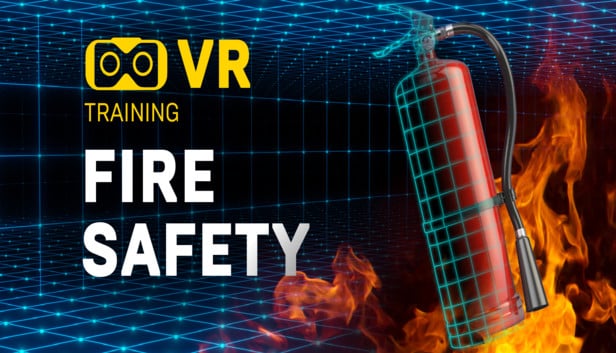
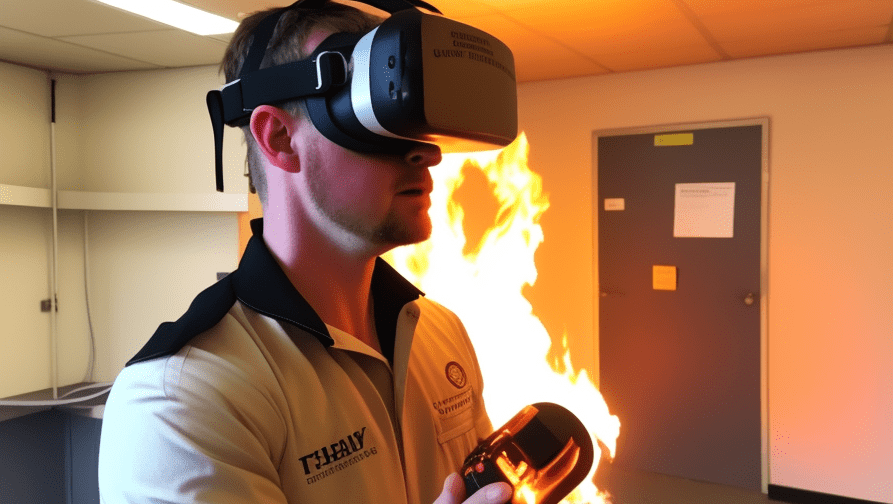
One effective and environmentally friendly method of teaching fire safety is virtual reality (VR), which lets users experience authentic fire situations in a safe and engaging setting. VR fire extinguisher training allows employees to practice using extinguishers in lifelike simulations, helping them build confidence and quick decision-making skills without real-world risks.

What is VR fire safety training?

Virtual reality technology is used to conduct fire safety instruction in a controlled setting. With VR gear, the trainees can practice various scenarios and prepare for a range of emergency situations. 

Employees can be given scenarios to escape the burning building during the training, which teaches them the basics of managing hazardous circumstances.

VR fire safety training gives organizations the opportunity to customise the simulation based on the building’s exact architecture. Both regular employees and professional firefighters may benefit from this type of training.

What makes VR fire safety training differ from traditional systems?

  • Realistic Scenarios

Immersion experiences that faithfully mimic real-life situations are provided by virtual reality fire training. 

With the use of this technology, your staff can receive training in a variety of virtual environments, including ones that would be difficult or expensive to replicate in real-world scenarios.

For example, you can model situations like fires in offices, building sites, cramped areas, and more. 

These kinds of scenarios, like virtual reality fire extinguisher training, allow you to create realistic experiences that will assist your team in navigating different emergency situations and identifying potential threats.

  • Cost-Effective

Education and training can be costly components of any organization’s operations. Live-fire training might be even more expensive than traditional training techniques. 

Unlike live-fire training, virtual reality training does not require expensive equipment, safety gear, or trip expenses. 

VR fire training is a more economical option because it allows learners to access a variety of scenarios without ever leaving the classroom or training facility.

  • Safe Training Environment

You can fight fire without the flames, which is one of the most important aspects of virtual reality training.

 Responders can experience a fire emergency without the danger of mishaps or injuries because of virtual reality’s immersive qualities. 

This implies that trainees can make mistakes without worrying about getting hurt or causing harm to their lives or possessions. 

In order to prepare trainees for the difficult and unavoidable life-threatening events that may arise, virtual reality technology offers a virtual training environment with exponentially more options and variants to generate real-life emergency scenarios.

  • Customisation

Customizing the experience to meet certain training goals is one of the main advantages of VR technology. 

To achieve particular training goals and objectives, you can create unique scenarios. 

This makes it simpler to modify training plans, adjust to new protocols, and meet the demands of specific individuals. It enables individualized education and may be tailored to each person’s needs.

  • Ability to track progress

Advanced analytical tools can monitor each trainee’s progress in this type of fire and safety instruction.

By evaluating a trainee’s strengths and shortcomings, trainers can customize their instruction to meet each person’s unique needs.

Additionally, trainers can pinpoint any areas in which the student might benefit from more instruction and concentrate on strengthening those areas.

As a result, training becomes more informed and helps guarantee that people have the skills necessary to succeed in their line of work.

Fire and safety training is being revolutionized by virtual reality, which offers a top-notch, immersive, and safe training experience.

The technology offers dynamic feedback, cost-effectiveness, excellent retention rates, and scenarios that can be customized and reused. VR fire training is the future of fire and safety training because it gives participants the chance to learn from their mistakes in a secure setting.

For more information, get in touch with our team if you want to offer your company top-notch training that is more entertaining and engaging than traditional delivery methods.

How is VR used in fire safety training?

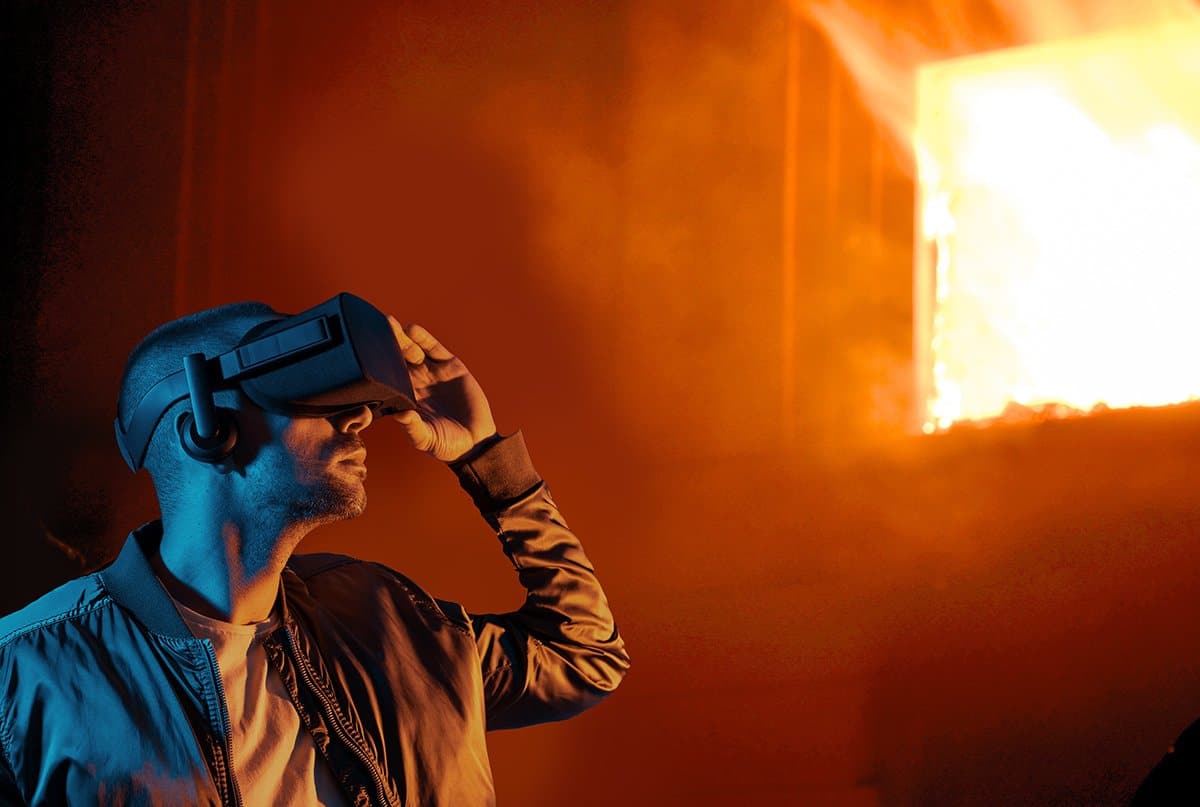
In order to experience a 360-degree realistic simulation of a fire situation without any burning hazards, the user must wear a virtual reality headset during the training.

It is the ideal resource for teaching pupils fire safety precautions. 

More people can be trained one-on-one with VR than with conventional techniques. 

These are a few applications of virtual reality in fire safety education.


  • Hazard Identification 

VR simulates a variety of work locations and scenarios, enabling the trainees to strengthen their skills to recognize potential hazards and evaluate risks. 

They can actively assess the virtual environment, identify threats, and make solutions to lessen the risks. It enhances their critical thinking abilities and situational awareness.

  • Equipment Operation

The VR training gives the students the chance to practice using fire safety equipment such as suppression systems and extinguishers. 

They can learn how to handle and use the equipment correctly, recognize different kinds of flames, and use the right extinguishing methods.

They get ready to use the equipment efficiently in actual fire emergencies thanks to this practical simulated training.

  • Evacuation Training

VR simulation of emergency evacuation drills helps trainees practice evacuation during a fire breakout in a building. They can navigate virtual environments, find fire exits, and make decisions based on the information provided. 

This realistic training experience improves the awareness of the procedures and helps them respond when a real emergency comes.

  • Fire Simulation

Virtual reality (VR) produces lifelike fire simulations that mimic a variety of fire situations, including industrial fires, building fires, and events involving hazardous materials. 

Trainees get to see and hear the telltale indicators of fire, including heat, smoke, flames, and the crackling sound of fire. They are better able to comprehend the possible hazards connected to various fire types as a result of this realistic experience.

Conclusion

By offering an immersive and participatory learning environment, virtual reality fire safety training enhances conventional training techniques. In a secure and regulated virtual setting, it enables learners to acquire real-world experience, hone critical thinking abilities, and enhance their response times. You can check out this blog to learn more about “VR Safety Trainings in Refineries: Helping Reduce Errors.”
Top 5 Smart Glasses Unveiled at CES 2025

CES Smart glass

CES 2025 was a showcase of technological marvels, and smart glasses took center stage this year, redefining the boundaries of augmented reality (AR) and wearable tech. 

Here are the top 5 smart glasses that left the biggest impression at the event:

1. Halliday Smart Glasses

Halliday Smart Glasses

Halliday introduced smart glasses featuring an ‘invisible’ display and an AI assistant.

Weighing just 35 grams, these glasses offer real-time translations, teleprompter functionalities, and proactive AI assistance. They are designed to anticipate user needs, providing relevant information seamlessly.

Pre-orders are expected to begin at the end of CES, with shipping anticipated before March 2025. The price is estimated to be between $399 and $499.

2. Xreal One Pro

Xreal unveiled the One Pro AR smart glasses, featuring a new camera module.

These glasses aim to enhance the augmented reality experience with improved display technology and functionality.

3. Rokid Glasses

Rokid showcased their latest smart glasses, which include a heads-up display and built-in AI assistant.

These glasses are designed for all-day productivity, offering features like live translation and teleprompter capabilities.

Even Realities G1​

4. Even Realities G1

Even Realities introduced the G1 smart glasses, featuring a discreet design with a hidden green monochrome heads-up display. 

These glasses focus on providing essential information without obstructing the user’s view, catering to professionals seeking seamless integration of technology into their daily routines

5. Loomos.AI Glasses

Loomos.AI presented smart glasses that integrate ChatGPT for AI assistance. These glasses offer functionalities such as 4K photo and 1080p video capture, aiming to provide a comprehensive wearable tech experience.


These new launches at CES 2025 highlight the industry’s commitment to advancing smart glasses technology, focusing on integrating AI, enhancing user experience, and making devices more accessible and practical for everyday use.

Conclusion

Smart glasses have taken a significant leap forward in 2025, combining cutting-edge technology with practical applications. 

Whether you’re a professional, gamer, or tech enthusiast, this year’s CES offerings provide something for everyone. As these devices hit the market, the future of AR and wearable tech looks brighter than ever.

How to Enhance Image using Flux Space?

Enhance images using flux space

Using FluxSpace involves working with its framework to perform text-guided image edits using rectified flow transformers. Here’s a general guide on how to get started with FluxSpace:

flux space image

1. Explore the Official Resources

Visit the FluxSpace website to access the framework’s documentation, code repository, and example projects. This is crucial for understanding the installation requirements and setup process.

2. Set Up Your Environment

    • System Requirements: Ensure you have a compatible system with Python installed, along with essential libraries like PyTorch.
    • Clone the Repository: Clone the FluxSpace GitHub repository to your local machine
				
					git clone https://github.com/FluxSpace/fluxspace.git
cd fluxspace


  • Install Dependencies: Use pip or conda to install the required libraries listed in the requirements.txt file:
				
					pip install -r requirements.txt


3. Prepare Your Inputs

    • Image Input: Ensure you have the image you want to edit, saved in a compatible format (e.g., JPG or PNG).
    • Text Input: Write a descriptive text prompt indicating the changes you wish to apply. For example:
      • “Change the car to a truck.”
      • “Make the background snowy.”
      • “Convert the person’s hair color to blonde.”

4. Run the FluxSpace Framework

    • Pretrained Models: Load the pretrained rectified flow model provided by the FluxSpace repository. These models are optimized for different domains such as objects, human faces, or scenes.
    • Editing Command: Use the provided scripts to apply your edits. For example:
				
					python edit_image.py --input_image path/to/image.jpg --text_prompt "Convert car to truck" --output_image path/to/output.jpg


5. Fine-Tune Your Results

FluxSpace allows for coarse and fine-grained adjustments:

    • Coarse Edits: Apply global changes using the pooled representation approach.
    • Fine-Grained Edits: Use specific attributes guided by the attention outputs for more targeted modifications.

6. Evaluate and Iterate

    • Review the output images generated by FluxSpace and refine your text prompts or parameters as needed to achieve the desired results.
    • Experiment with different domains and scenarios to explore the full potential of the framework.

7. Explore Advanced Features

    • Integration: Integrate FluxSpace into larger workflows for tasks like automated content generation or visual asset enhancement.
    • Customization: Customize the framework to align with specific use cases or domains by adjusting its attention mechanisms or using your datasets for domain-specific improvements.

8. Stay Updated

How to use Runway new expand feature?

Runway's new expand feature

The Expand Video feature allows you to seamlessly transform your video’s aspect ratio from portrait to landscape or vice versa, making it suitable for different platforms and audiences. Here’s a detailed guide to help you through the process:

1. Generate an Initial Video

    • Open your Runway Gen-3 Turbo workspace.
    • Create or upload the initial video you want to expand.
    • Ensure the video is ready for aspect ratio transformation and aligns with your creative goals.

2. Download the Initial Video

    • Once your initial video is generated or uploaded, download it to your local system.
    • This ensures you have a backup of the original content in case you need to make further adjustments.

3. Open Gen-3 Turbo in Runway

    • Log in to your Runway account and navigate to the Gen-3 Turbo workspace.
    • This feature is part of Runway’s Generative AI tools, designed for high-speed and high-quality video editing.

4. Select the “Expand Video” Feature

    • From the Gen-3 Turbo toolbar, choose the Expand Video option.
    • This feature allows you to modify the video’s aspect ratio without losing important details or compromising its quality.

5. Choose Portrait or Landscape Aspect Ratio

      • Decide on the desired aspect ratio for your video:
      • Portrait (Vertical): Ideal for platforms like Instagram Stories, TikTok, or YouTube Shorts.
      • Landscape (Horizontal): Best for platforms like YouTube, Facebook, or widescreen presentations.
    • Select the appropriate option in the Expand Video settings.

6. Generate the Expanded Video

      • Click Generate to process the video.
      • The AI will intelligently expand the video’s content to fit the chosen aspect ratio, filling the new areas seamlessly to match the original style and context.
				
					Tips for Using Expand Video Effectively
				
			
      1. Frame Composition: Ensure your subject is centered in the original video to make the expansion process more natural.

      2. Text Prompts: Add text prompts during the process to guide the AI if you want specific details or effects in the expanded areas.

      3. Preview Before Finalizing: Always preview the generated video to ensure the expanded areas look consistent with your creative vision.

      4. Use a CDN: If your video needs high availability across different platforms, consider uploading the final product to a Content Delivery Network (CDN).