
Most XREAL reviews end after 20 minutes.
Someone unboxes it, connects it to a laptop, waves their head around, says “wow, it’s like a floating screen,” and calls it a review. That’s useful for buying decisions. It tells you almost nothing about what actually happens when you try to work in these glasses — not casually, but seriously. Eight hours a day. Calls, code, documents, deadlines.
So I tried exactly that.
For five working days, I closed my external monitor, put on the XREAL One Pro, and used it as my only screen. No backup. No “I’ll just quickly check this on the monitor.” Just the glasses, a laptop, and a full work week.
Here’s what I learned — including the specific moments it fell apart.
The Setup
Hardware: XREAL One Pro (medium size), connected via USB-C to a Windows laptop. No Beam Pro. No external hub. Just the glasses and the cable.
Work type: Writing, Notion, Google Docs, email, two video calls per day, occasional browser research.
What I was hoping to prove: That you can genuinely go monitor-free — especially useful in India where desk space is limited, power cuts mean moving rooms, and working from a café means carrying a portable monitor or squinting at a 14-inch screen.
I was not trying to game or watch movies. I was trying to work.
Day 1: The Honeymoon
The first morning was genuinely exciting.
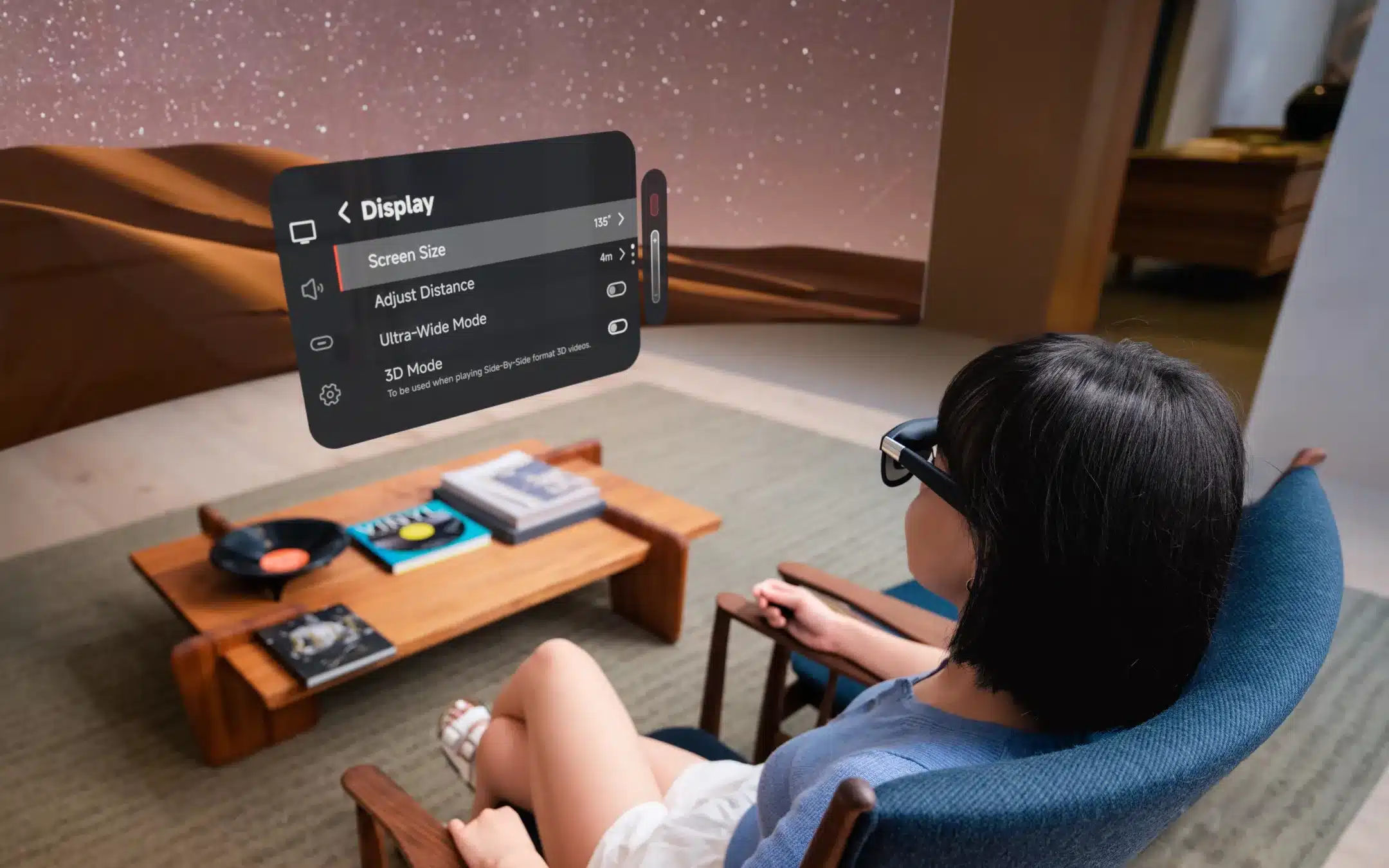
I opened Notion, set the virtual screen to about 130 inches, and anchored it in place. The text was readable. Not phone-sharp, not monitor-sharp — somewhere in between, like a good projector in a lit room. Acceptable.
The thing that surprised me most was posture. I sit badly at my desk — chin down, neck forward, hunched. With the glasses, your natural gaze is straight ahead. Within an hour I noticed my shoulders were further back. That part worked exactly as promised.
I got through a full morning of writing without a single issue.
Then I got on my first video call.
Where It First Cracked: Video Calls
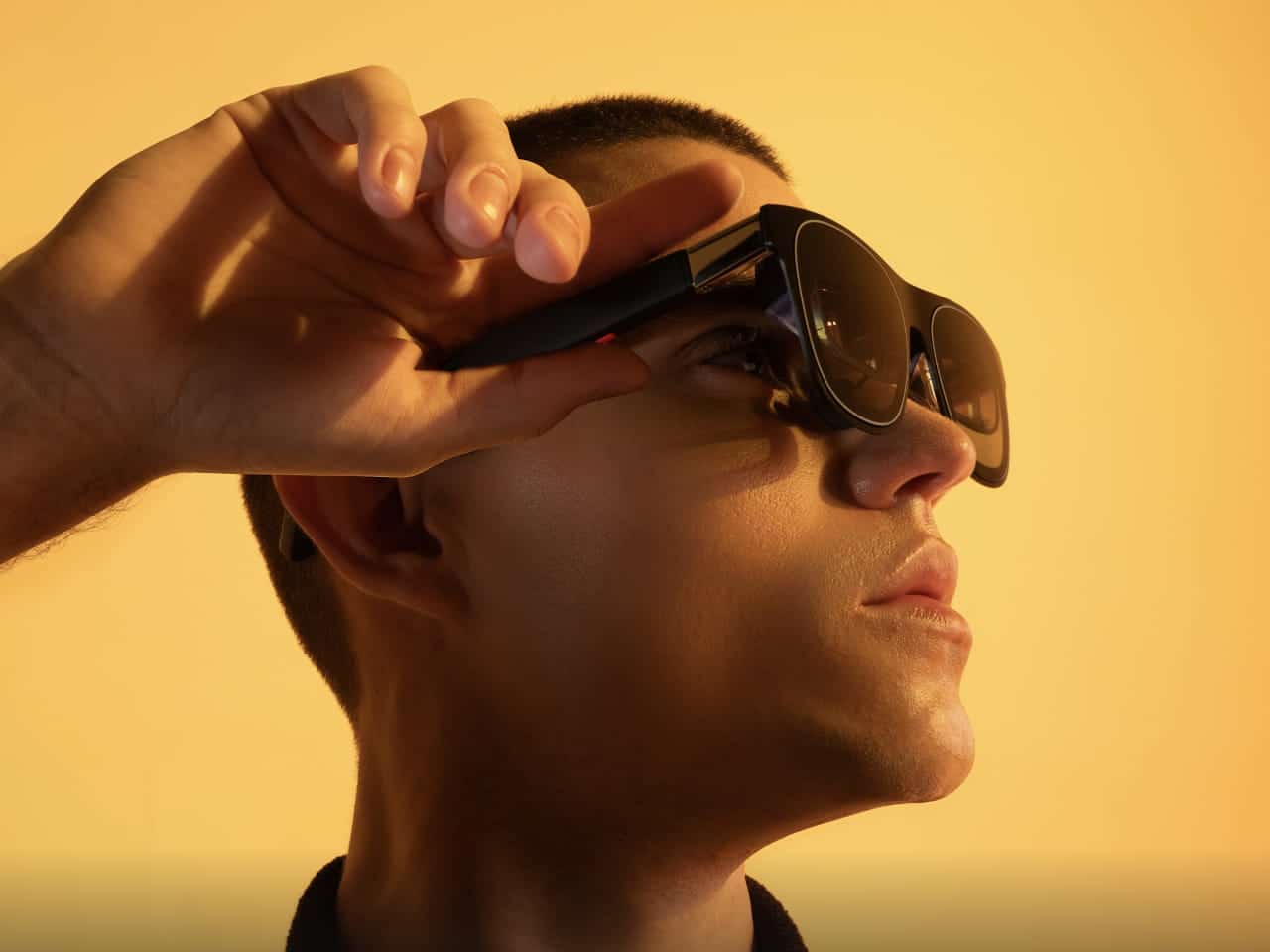
Here’s what nobody tells you about using AR glasses on a video call: you look like you’re staring slightly past everyone.
The screen is floating in front of you — but your camera is pointing at your face, not at the screen. So your eyes are tracking slightly upward and to the left of where the camera is. To the other person on the call, you appear to be looking just off-camera the entire time.
I didn’t notice this until my second call when a colleague said, “Are you looking at something else?”
I wasn’t. I was looking directly at his face — on my virtual screen. But it looked like I wasn’t.
This is a real problem for client calls. A mild annoyance for internal ones. By Day 3, I’d adjusted my setup so the screen was positioned lower and more central, which helped. But it never fully went away.
Day 2: The Text Readability Wall
Day 2 is when I hit the problem that multiple commenters on XREAL reviews flag but nobody explains properly.
The XREAL One Pro is 1080p. At 130 inches of virtual screen, that’s a lot of pixels spread over a lot of space.
At default screen size, reading dense text — say, a Google Sheet with small cells, or a codebase in VS Code with 12pt font — is uncomfortable. Not impossible. Uncomfortable. You find yourself leaning forward slightly, which defeats the posture benefit.
The fix is simple in theory: reduce the virtual screen size to around 80–90 inches. That concentrates the resolution, and suddenly text becomes noticeably crisper. But at 80 inches, the experience starts feeling less like a big monitor and more like a laptop screen floating in space. The main selling point (the size) disappears.
This is the tension nobody talks about: the bigger you go, the worse text looks. The smaller you go, the less point there is.
For writing and reading long documents — fine. For spreadsheets, code, or anything with dense small text — you’re making a compromise.
Day 3: Heat and the Three-Hour Limit
By Day 3 I found something that several One Pro owners mention in passing but nobody quantifies: the glasses get warm.
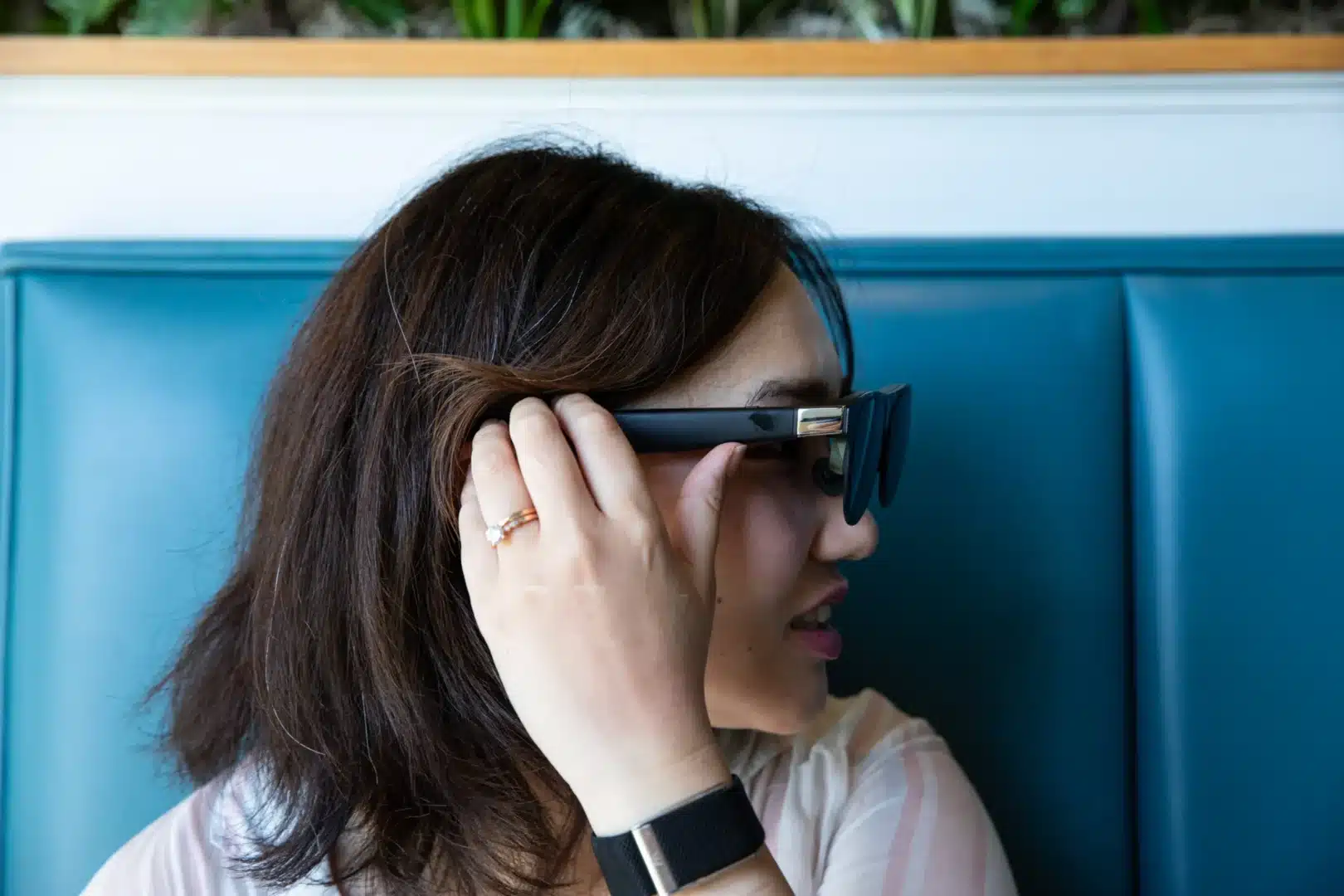
Not hot. Not uncomfortable-hot. But warm — specifically, right at the bridge of the nose where the device sits. After about 2.5 to 3 hours of continuous use, I noticed myself pushing them up the nose more often. By hour 3.5, I took them off for 10 minutes.
This isn’t a dealbreaker. But it means the glasses are not a seamless 8-hour work device. They’re more of a 2–3 hour sprint tool. If you work in 90-minute blocks with breaks, you’ll never hit this problem. If you’re the kind of person who sits down at 10am and doesn’t look up until 1pm, you’ll feel it.
I also noticed that on my MacBook (tested on Day 4), the heat issue was slightly less pronounced than on Windows. This could be a coincidence, or it could be related to how each system drives the display — I don’t know enough to say definitively.
Day 4: The Conference Call That Made Me Look Like a Spy
Day 4 included a longer external call — a client presentation where I was sharing my screen.
Here’s a scenario the product marketing does not prepare you for: when you share your screen on a video call while wearing AR glasses, the other person sees your actual laptop display, not your virtual screen.
That sounds obvious in retrospect. But it means that if you’ve moved windows around to work comfortably on your virtual screen — resizing things, rearranging layouts — what you share is the small, cluttered laptop screen you’ve been ignoring all day. My Notion document looked fine to me in the glasses. To my client, it was a tiny window in the corner of a desktop covered in browser tabs.
I had to quickly rearrange my laptop screen mid-call while wearing glasses that weren’t showing me the laptop screen. It was not graceful.
The fix: always keep your laptop screen tidy even when you’re working primarily in the glasses. Or use the glasses withyour laptop screen active, treating them as a second monitor rather than a replacement. Which is probably how most people actually use them — but defeats the “replace your monitor” premise.
Day 5: What I Actually Kept Using
By Day 5, I’d stopped fighting the glasses and started using them for what they’re genuinely good at.
What worked well:
Writing long-form content — articles, documents, anything where you’re in a single window, text is large enough to read comfortably, and you don’t need to switch constantly. The floating screen, the posture improvement, the focus that comes from having only one visible app — all real benefits.
Working from a café or a moving environment — I tested this on a train journey on Day 5. With the screen anchored, I could work while the world moved around me. The screen stayed fixed. This is the use case where the XREAL genuinely has no competition. No laptop screen bouncing with the train, no neck craned toward a tiny display.
Battery-saving on phone — one commenter noted you can disable your primary laptop screen and use the glasses as the only output, which significantly extends battery life. I tested this and it works, though setting it up each time added friction.
What didn’t work:
Spreadsheets and dense data. Video calls where eye contact matters. Any task involving dragging windows across different parts of the screen. Screen sharing.
The Honest Verdict After 5 Days
The XREAL One Pro is not a monitor replacement. Not yet.
It’s a focused work companion — exceptional for single-task work, travel, and environments where a physical monitor is impossible. The moment your work requires multi-window precision, small text, or professional video calls, you start making compromises that pile up over a full day.
The comments under every XREAL review are full of people asking “can I use this for coding?” or “will it replace my monitors?” The honest answer — from five days of actually trying — is: it depends less on the glasses and more on your work type. If your job is writing, content, reading, or anything document-based, you’ll find a rhythm. If your job is data, development, or visual design, you’ll be back to your monitor by Day 3.
One thing I didn’t expect to feel: the glasses made me more focused. When there’s only one screen and it’s floating in front of you, you can’t really multitask. There’s no peripheral monitor pulling your attention. For a certain kind of deep work, that’s not a limitation — it’s the point.
At ₹40,000+, it’s a serious ask. But for the right use case, it’s the most interesting productivity experiment I’ve run in a long time.
What Would Make It Work Properly for Full-Day Use
A 1440p display — the single biggest upgrade that would fix the text legibility problem at large screen sizes.
Wireless connectivity — several commenters mentioned the wire as a dealbreaker for portability. Agreed. The cable is manageable on a desk. On a train, it’s a constant reminder that this is still gen-one technology.
Better thermal management — 3 hours before warmth becomes noticeable isn’t enough for a work tool.
Screen size that adapts to content type — automatically tightening resolution for spreadsheets or code, loosening for movies.
Interested in how XREAL compares to other AR glasses available in India? Read our full AR glasses comparison guide. Or if you’re curious about the glasses that went a different direction entirely — AI without a display — see our Ray-Ban Meta review and the latest Meta standalone glasses launch.

